

Specialty Workshops
Go beyond the basics with our high-impact speciality programs. From kids camp to intensives, we provide the expert mentorship and hands-on studio time needed to turn a passion for photography into a career-ready skill set.
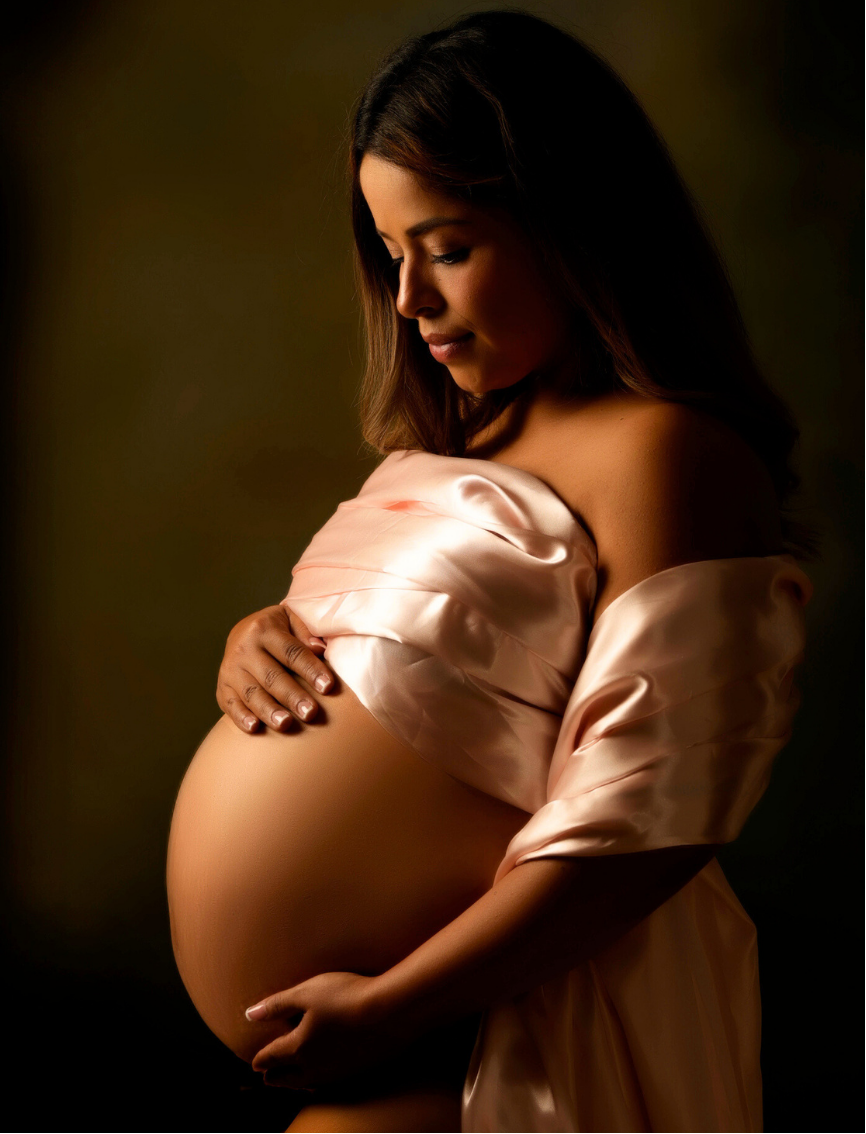
Learn how to create beautiful, flattering maternity portraits through professional lighting, posing, and post-production techniques.
Coming soon!
Designed as Workshop 1 of our 4-part Maternity Photography Master Class Series, this hands-on course takes you through the complete maternity photography process—from planning and working with expectant mothers to photographing, retouching, and delivering polished final images.
COURSE DESCRIPTION
In this class, you’ll learn how to plan and execute a maternity session with confidence. Explore flattering posing techniques, soft and professional lighting setups, wardrobe and client considerations, and how to safely work with expectant mothers. Students will also photograph a live maternity model while receiving hands-on guidance.
The afternoon session focuses on the complete post-production workflow, including Lightroom organization and color correction, portrait retouching, Photoshop techniques, and preparing images for social media, print, albums, and client galleries.
COURSE OBJECTIVES
Plan and prepare for a professional maternity photography session
Create soft, flattering lighting using natural and studio light
Pose expectant mothers, partners, and siblings
Direct expressions, movement, and posing flow
Photograph a live maternity model with instructor guidance
Organize, cull, and color-correct images in Lightroom
Apply professional portrait retouching techniques
Use Photoshop to clean up and enhance final images
Prepare images for client delivery, print, albums, and social media
MATERIALS NEEDED
Digital camera with manual exposure modes
Extra battery and memory card
Laptop with Lightroom Classic and Photoshop installed
Camera manual (optional)
QUALIFICATIONS
Ages 16+
Basic knowledge of digital photography and manual camera settings recommended
INSTRUCTOR
David LaNeve, CPP & Sarah Rogers, Certified Adobe Expert
Dates for 2027 will be announced in February!
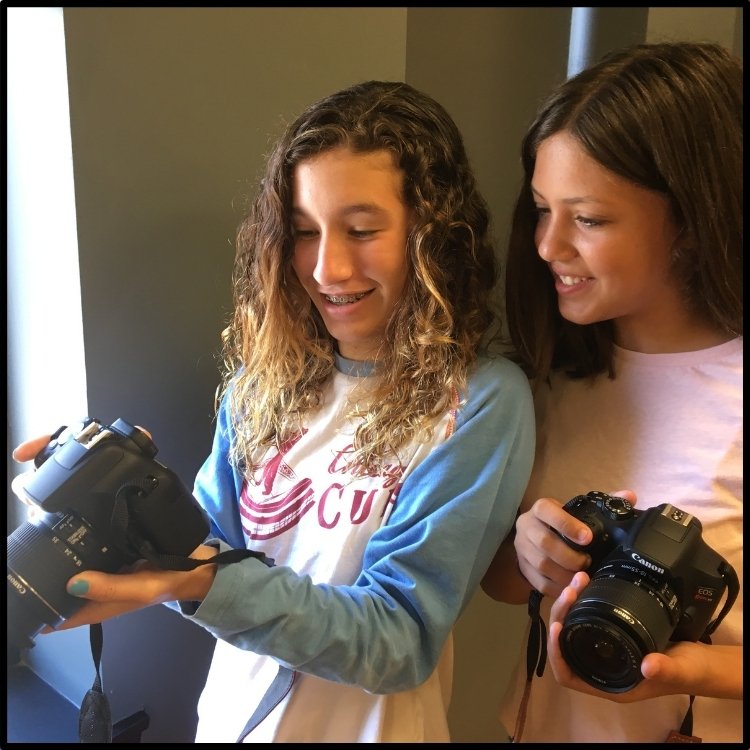
This is a fun, one-week camp held in Orange County, for kids and teens aged 10-14.
This summer camp teaches kids the elements of photography and how to use their cameras to take better shots and develop their skills. They’ll learn all of the settings on their camera, how to work in a studio, and how to set up great shots no matter where they are! All kinds of photography are explored, from studio and portrait to street photography and photojournalism – this is a chance for your child to dip their toes in different areas of this art and learn what they like best.
Each student will learn how to use and operate their digital camera, how to compose their photos, and have an introduction to Adobe Lightroom. Daily workshops include studio photography, architectural photography, street photography, techniques for posing and composition, and more!
KIDS SUMMER PHOTOGRAPHY CAMP TOPICS
Getting to know your camera and all that it can do
Composition; how to see more effectively and foundational compositional principles with photographic examples
How to shoot outdoors
How to shoot moving objects
ITINERARY
DAY 1
Learn and review the features and functions of the camera.
Photo walk around the Artist Village to practice what was learned in the morning.
DAY 2
Composition and thematic exercises
DAY 3
Old Santa Ana Courthouse as we learn how to shoot outdoors
DAY 4
Field trip to the Santa Ana Zoo (depending on Zoo capacity and hours). We will learn about photographing animals and motion and applying everything we have learned. Alternatively, we will take a photo walk and learn about shooting subjects in motion.
DAY 5
Photo Bingo & review
Each day includes:
Hands-on workshops (in the classroom and/or on location)
Breaks for lunch, snacks, and fun photography games!
WHAT TO BRING
Camera and camera equipment (extra charged batteries and memory cards)
A packed lunch and snacks
Comfortable walking shoes and clothing
OPTIONAL: Additional lenses or filters
QUALIFICATIONS
Ages 10-14
HOURS & DAYS
Monday - Friday
9am - 3pm
INSTRUCTOR
David LaNeve, CPP
Are you interested in raising your skills to an intermediate or advanced level? This certification program includes the prep course and final exam to become a Certified Professional Photographer with the Professional Photographers of America.
The official test from PPA will be administered on the last day of the course.
Classes that fit your schedule -
6 zoom classes held over 3 weeks.
Monday and Wednesday evenings.
COURSE DESCRIPTION:
PART 1: CAMERA, LENSES, AND ATTACHMENTS
Camera controls, settings, and methods used to set the white balance
Impact on file size and format of the final image
PART 2: EXPOSURE AND METERS
How to interpret light meter readings.
Relations between shutter speed, f-strop, and ISO.
Dragging the shutter.
Equivalent exposures.
Exposure compensation relative to lighting situations.
How to read and interpret a histogram.
Exposure compensation while using a filter.
PART 3: LIGHTING
Light sources and specialized light equipments to create desired effects.
Establishing desired lighting rations (main light and fill light)
Light modifiers (light blockers, reflectors, gels, etc)
Type of lighting design (Rembrandt, split, broad, short, etc)
Controlling / utilizing light (natural light, window, studio, mixed lighting, etc)
Theory of light.
Selection of the appropriate filter color for the light source.
PART 4: COMPOSITION, DESIGN, AND POSING
Frame or crop the picture within the camera’s viewfinder.
The angle of the view produces the desired effect.
How to compose the elements within a scene.
Posing individuals and multiple subjects.
PART 5: DIGITAL POST PRODUCTION
Color spaces and which to work in
RGB, CMYK, LAB color, additive color, subtractive color.
File formats
Creating / employing a color managements system.
Cause and effect in the manipulation of digital images.
PART 6: IMAGE CAPTURE AND OUTPUT
Selecting the appropriate capture media for the subject matter.
Format requirements.
Identifying and correcting problem images.
WHAT DOES IT TAKE?
Below are the steps required to become a Certified Professional Photographer. They are designed to help you polish your technical and artistic skills.
Enroll in the Certified Professional Photographers Preparation class.
Pass a comprehensive written exam measuring your technical expertise.
Successfully submit your work to a panel of judges for review and approval.
Renewing credentials every three years with continuing education units or retaking the CP test.
MATERIALS NEEDED
Computer and access to ZOOM
ADDITIONAL COSTS =
If you are not already a PPA member you will need to join and pay the membership dues to PPA (approx. $28/month)
There will be a $200 exam fee payable to PPA.
These additional fees with be reviewed on the first day of class.
Included in this course is 1-hour of studio time to help you complete the practical portion.
Included in your PPA membership:
Insurance and protection
Perks and Member discounts
Professional development
And much more!
QUALIFICATIONS
Required to be at an intermediate or advanced level.