

Beginner Photography Classes Orange County
Learn Your Camera. Take Better Photos.
Got a great camera but aren't getting the photographs you expected?
You're not alone.
Our beginner photography classes are designed for people who want to finally understand their camera without getting buried in confusing technical jargon.
These are live, hands-on classes — not Zoom classes. Bring your DSLR or mirrorless camera and learn by actually taking photographs with an instructor there to guide you.
No experience necessary. Just bring your camera and your questions.
FOUNDATIONS COURSES
Learn The Ins And Outs Of Your Camera And How To Capture Better Photos!
Got a digital camera and don’t feel 100% confident using it? Leave your frustrations at the door and let our Foundations 1: The Basics class show you the way! This fun course will teach you the essentials of operating your digital camera, making better photographic decisions, and taking more beautiful, artful images.
COURSE DESCRIPTION
In this class, you’ll gain an understanding of all the digital camera fundamentals: focus, f-stops (aperture), shutter speeds, ISO speed and the role of each of these creative choices in determining a photo’s outcome. Plus, you’ll learn how depth of field affects a visual message, how shutter speed aids in image interpretation, how to choose the proper camera menus, and how to pick the best file for any situation. At the end of the course, you’ll also come away with the knowledge of what every last dial and button on your digital camera can do.
COURSE OBJECTIVES
Understand basic camera functions and settings
Focus your camera
Change f-stops (aperture), shutter speeds, and the sensor speed (ISO)
Select the correct camera menu
Recognize depth of field
MATERIALS NEEDED
Digital camera with manual exposure modes (DSLR or mirrorless recommended)
Extra battery and memory card
Camera manual (optional)
QUALIFICATIONS
Ages 16+
INSTRUCTOR
David LaNeve, CPP
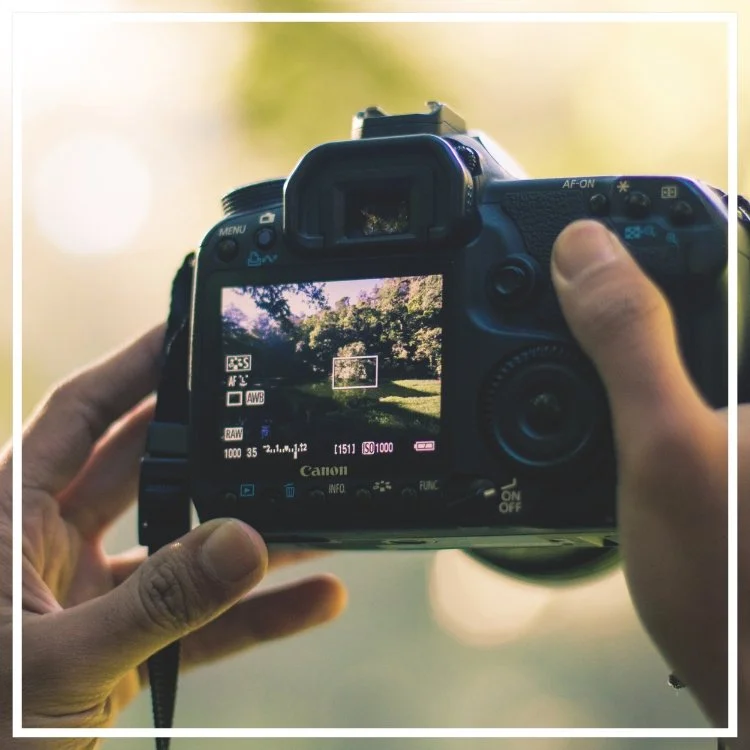
earn how to shoot in manual mode in this hands-on digital photography class! You will learn how to manually control your shutter speed, aperture, and ISO settings and how they work together.
If you have taken our Foundations 1: Digital Photography and DSLR Camera or if you already know how to use your aperture and shutter priority modes, you’re ready to start shooting in manual! With your instructor by your side to teach and help you along the way, you will have fun and gain confidence shooting in manual mode! This class will teach you how to control your camera, capture the images you envision, and improve your photography skills.
TOPICS COVERED
What you can accomplish by shooting in manual mode
How to quickly balance ISO, shutter speed, and aperture
Exposure metering using the camera’s light meter
MATERIALS NEEDED
Digital camera (DSLR or mirrorless recommended)
Lens
Charged batteries
QUALIFICATIONS
Beginner to Intermediate
Ages 16+
INSTRUCTOR
David LaNeve, CPP
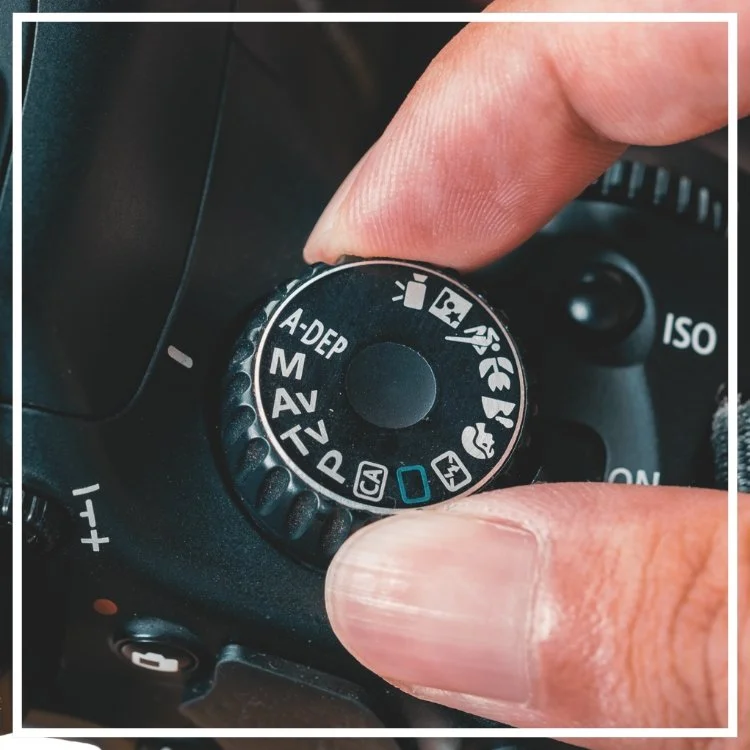
Learn and understand your camera’s exposure modes in After the Auto Mode, where you’ll begin shooting in the AV/TV priority modes and learning the settings that accompany them.
If you’ve taken Foundations 1: Digital Photography and DSLR Camera and would like to advance out of the auto mode, you are ready for this fun class! We will teach you how you can be more in control of your camera settings and your photos. This course is about teaching you two modes on your camera to do just that!
COURSE DESCRIPTION
This course will teach you about AV / TV Priority Modes. We will go over and learn about each mode and then take a walk in our artist village and practice shooting and applying what you have learned.
We will go outside and practice, experiment, and apply. We will try different settings and combinations to show you the variety of emotions and looks you can get out of your image. This is done by your camera settings in the AV/TV modes. Using AV/TV settings in different combinations will achieve the look you want. This class will give you more control of your camera and teach you what you want from your images, making you a more confident photographer.
TOPICS COVERED
AV Priority Mode: Learn how to select the best aperture for controlling your depth of field.
TV Priority Mode: Learn how to select the best shutter speed to stop action and control blur. How do you get running water to stop while it flows or capture a speeding car?
MATERIALS NEEDED
Digital camera with manual exposure modes and your favorite lens (DSLR or mirrorless recommended)
Extra battery and memory card
Camera manual (optional)
QUALIFICATIONS
Beginner to Intermediate
Have taken Foundations 1: Digital Photography and DSLR Camera or equivalent
Ages 16+
INSTRUCTOR
David LaNeve, CPP
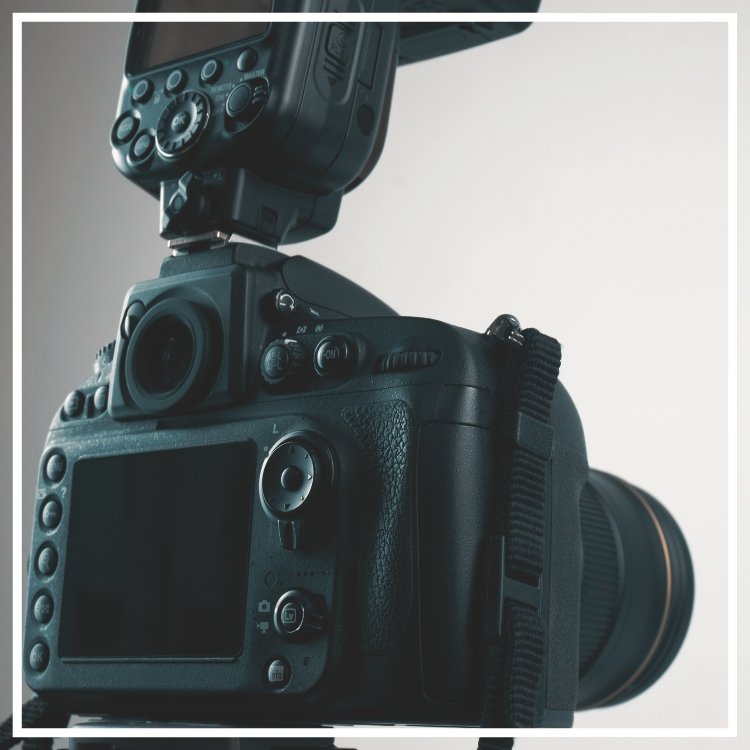
Using simple lighting to better your photography is easy to learn! In this Intro to Indoor Flash class, learn how to manage a flash unit to make your photos pop!
Many indoor photographic opportunities are inside with low or no light situations. There are many solutions, but one of the best is the portable flash! What are the best indoor methods for low light events, weddings, and interior images? This class answers that question and explores how portable flash can resolve many low and no light conditions without harsh side effects. It’s a short course that delivers significant results, and students leave with a new and valuable tool in their lighting portfolio.
COURSE DESCRIPTION
Students quickly develop the skills to manage and choose portable flash settings for indoor applications in this class. They will also learn how to use portable flash as a dominant light source and explore best practices for selecting ISO, exposure settings, and flash power requirements appropriate to any given ambient light situation.
The instructor provides hands-on instruction for flash photography indoors. Students master real-life lighting challenges to achieve optimum technical results and develop creative choices for further light manipulation and enhancement. Students leave with knowledge and confidence in the portable lighting workflow. They control their lighting, know how to light with their new techniques learned, and can capture or create the image they have in mind.
Take your portraits to a new level just by mastering and learning about your flash, how to use it, and techniques.
TOPICS COVERED
Portable flash as the dominant light source
Portable flash power
Portable flash positioning on and off camera
How to choose the optimum combination of flash power, ISO, and exposure
Mastering the portable flash power settings
MATERIALS NEEDED
Digital camera (DSLR or mirrorless recommended)
One or more portable flash units
QUALIFICATIONS
Beginner to Intermediate
Ages 16+
INSTRUCTOR
David LaNeve, CPP
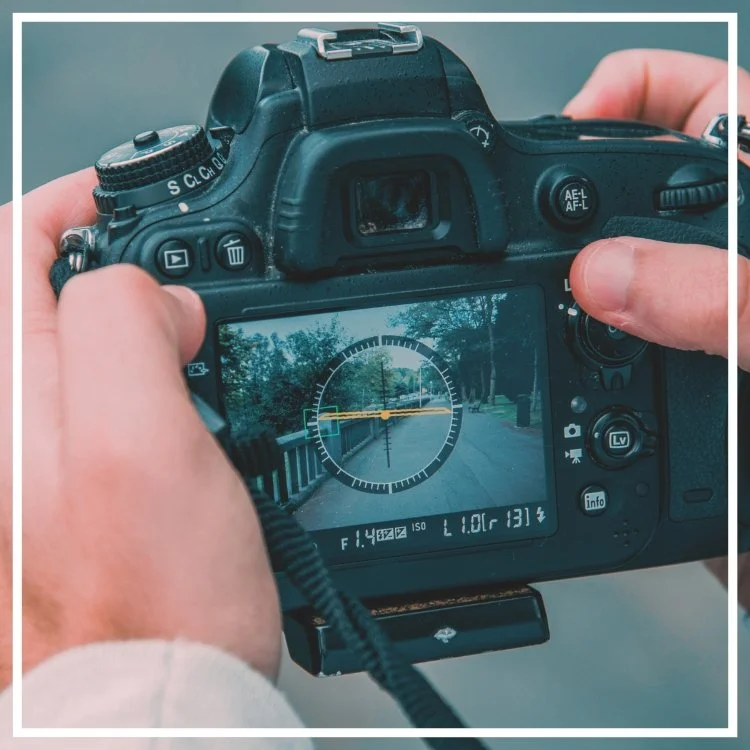
What is composition in photography?
Composition in art refers to the arrangement of the elements of a work of art.
Learn the unspoken rules of photography to create better images using better photographic composition! See creatively – learn the principles of design to build stronger, more compelling images!
COURSE DESCRIPTION
Why can two photographers capture the same subject, sometimes within feet of each other, and one creates a stunning photograph and the other creates a mediocre image, or worse? The difference—composition!
In this hands-on course, students learn the principles of photographic composition and apply them to create better photos. This course provides you with the tools and techniques to capture stronger, more dynamic photographs. By focusing on a few simple guidelines, you will learn how to make your images stand out, better define your subject, and better communicate your message. This course is a must to go from being a good photographer to a great one!
TOPICS COVERED
Why composition is important
Craft vs. Art of photography
How to see more effectively
Foundational compositional principles with photographic examples
How to incorporate compositional principles into your photography
MATERIALS NEEDED
Digital camera (DSLR or mirrorless recommended)
Notebook
Lots of questions!
QUALIFICATIONS
Beginner to Intermediate
Ages 16+
INSTRUCTOR
David LaNeve, CPP
Intro to Outdoor Flash will give you the skills to manage your flash for outdoor photography.
Take the fear out of lighting your photographs in this introduction to flash photography. In this class, you’ll learn hands-on how to use your accessory flash better as we explore the Downtown Santa Ana Artists Village.
Professional photographers often shoot outdoors with their portable flash, on and off camera. It provides a powerful way to fill shadows and creatively blend ambient gently and portable fill light. This flash photography class teaches how to choose and use each workflow for your outdoor images and provides you with a new and easy-to-use tool to improve your outdoor photography even in the harsh light of high noon. Students also explore using this as a dominant light source in outdoor environments and further explore creative applications that blend ambient and portable flash light.
COURSE DESCRIPTION
If you’ve wondered what that silver plate on the top of your camera does, and you’re tired of your photos being too dark, or your outdoor portraits fall flat, or, if you’re a natural light photographer ready to take your photography to the next level with flash lighting, this is your course! Our instructor will simplify accessory flash use outdoors by demonstrating the techniques to get you stellar portraits and simplify your landscape photographs.
Students quickly develop the skills to manage and choose portable flash settings for outdoor applications and use this tool as a fill light source. They explore best practices for selecting the correct ISO settings, exposure settings, and requirements appropriate to any outdoor ambient light situation.
Students leave with knowledge and confidence in the portable lighting workflow.
TOPICS COVERED
Portable flash as the fill light source in outdoor situations
Power choices for outdoor lighting situations
Positioning on and off camera
Bouncing, diffusing, and reflecting
Which cables to use and manual power adjustment
Mastering the power settings
MATERIALS NEEDED
Digital camera with manual exposure modes and your favorite lens (DSLR or mirrorless recommended)
Accessory flash, battery, modifier (diffuser or reflector)
Extra battery and memory card
Camera manual
Sun protection, water bottle, and your walking shoes
QUALIFICATIONS
Beginning to Intermediate
Have taken Foundations 1: Digital Photography and DSLR Camera or equivalent
Ages 16+
INSTRUCTOR
David Laneve, CPP
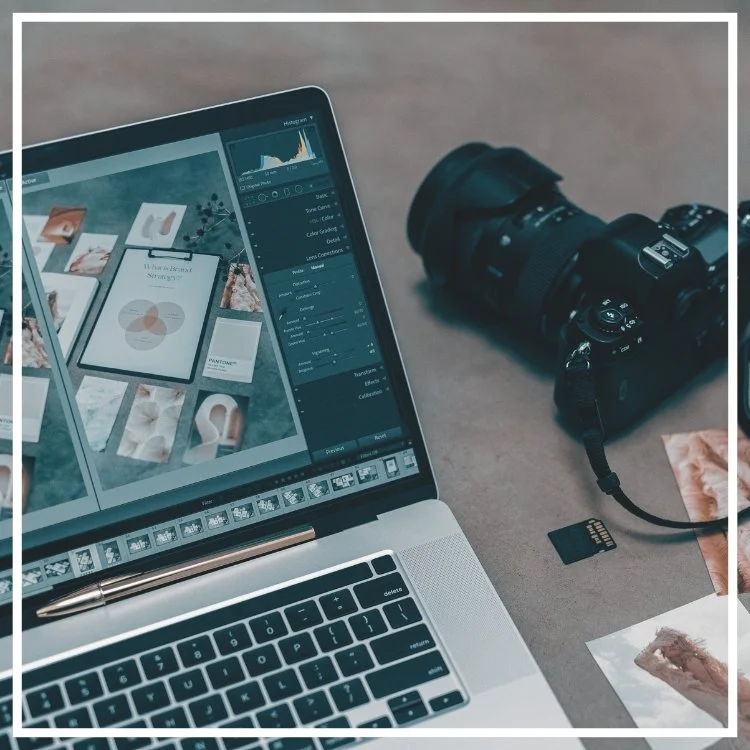
Are you interested in photo editing? This course gives new photographers an introduction to Adobe Lightroom and Photoshop to organize, correct, and enhance incredible final images!
Taught by an Adobe certified instructor, this course is a lecture-based demonstration course for anyone looking to learn about Adobe products or how to get started with post-processing their images.
COURSE DESCRIPTION
Have you been curious about Adobe Creative Cloud? Wondering what the difference is between Adobe Photoshop and Lightroom? This course teaches Post Processing and breaks it down with an introduction to why we process our images and use Adobe software to enhance and organize our photos. This class is a lecture-based class showcasing to students the fantastic and powerful abilities to use Adobe Photoshop & Lightroom in conjunction to correct and enhance images.
These two programs are the industry’s standard for managing, correcting, and manipulating digital images for newbies and professionals. Learn to use these products together to increase your efficiency, make color and exposure corrections, and create beautifully enhanced images ready for printing or sharing.
TOPICS COVERED
Overview of using the Adobe Creative Cloud
Getting photos from the camera to the computer
Why “post-process”?
The difference between Lightroom and Photoshop
Using Photoshop and Lightroom together to maximize results
Taking images from the camera to amazing final products
Digital asset management and organization
MATERIALS NEEDED
Notebook and pen for note-taking
QUALIFICATIONS
Ages 16+
INSTRUCTOR
Sarah Rogers, Adobe Certified Expert
DAY 1: 9:00AM – 4:00PM
Covering the Basics
Lightroom for Beginners is the perfect introductory course for both the hobbyist and professional photographer! Learn how to organize, process, enhance, and share photos using Adobe Lightroom Classic.
This course is designed to give photographers of all genres and skills the fundamental basics to using this powerful and professional level program.
Course Description
During the Intro to Lightroom Classic course – students learn how to manage and edit images using hands-on training. The instructor will provide images and notes so the class can work together.
Topics Covered
Overview of the Lightroom Classic interface
Importing images from computer or camera to Lightroom Catalog
Working with RAW and DNG files
Organizing images within the Library Module
Making lens, color, exposure, and white balance corrections
Enhancing images using the Develop Module
Exporting images for sharing
Photoshop integration
Materials Needed
Personal Computer (Mac or PC is acceptable) with minimum 8GB of RAM
Adobe Creative Cloud installed on your computer
Adobe Lightroom Classic installed on your computer
Card reader
USB port or USB adaptor
Qualifications
Beginner
DAY 2: 9:00AM – 4:00PM
Application - Portraits and Landscapes
Join Sarah for a second day of Lightroom building on the techniques learned on day 1. In addition to mastering cataloging skills, this course focuses on editing workflow for a range of types of photography.
Course Description
During the Application of Lightroom course, students will learn how to master their cataloging, organizing, and editing skills using Adobe Lightroom Classic. The day will focus on editing workflows for both portrait retouching and landscape photography.
Topics Covered
Review of importing photos into catalog
Adding signature copyright and watermarks to photos
Sorting images using keywords and metadata in the Library Module
Backing up Lightroom Catalog
Advanced corrections and enhancements in the Develop Module
Editing for portrait photography including skin retouching and object removal
Editing for landscapes including sky replacements and enhancing the raw image
Creating Presets
Exporting images for sharing
Photoshop integration
Materials Needed
Personal Computer (Mac or PC is acceptable) with minimum 8GB of RAM
Adobe Creative Cloud installed on your computer
Adobe Lightroom Classic installed on your computer
Camera
Card reader
Qualifications
Beginner – Intermediate
Completion of Lightroom Day 1 course
Instructor: Sarah Rogers, Adobe Certified Expert
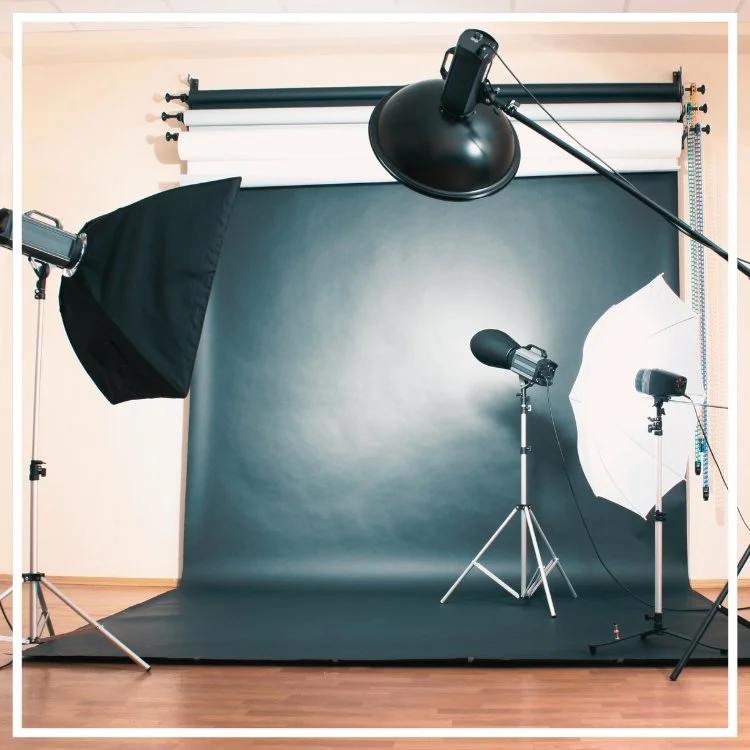
Up your photography game in Intro to Studio Lighting! Learn how to manage lights and modifiers in this beginner course.
Understanding that lighting is essential indoors, you now know that it can ruin your shot if not lit properly or make a significant difference. Not only can you flatter who or what you are shooting, but you can alter the feel of your portrait by changing your lights. You have the choice of a light, cheery portrait or a serious and dramatic look just by your studio lighting. Understanding and knowing how to light indoors gives you control of what you want to achieve.
Once you develop a taste for indoor photography, it is only a matter of time before you want a studio lighting setup of your own. A studio setup can be anything from a few table lamps and a spare sheet for the background to an elaborate multi-flash system. This class helps students learn which light sources and materials are appropriate for the studio photography they anticipate.
COURSE DESCRIPTION
In this course, students learn fundamental lighting setups and familiarize themselves with the lights, light modifiers, and why we use studio lighting. In class, students perform several live lighting plans and explore the technical and aesthetic results of each. The instructor provides hands-on instruction, and students understand the importance and methodology of studio lighting to achieve image goals. Students leave with the necessary knowledge to explore lighting equipment for the studio and other learning objectives and will be ready to shoot indoors with studio lighting.
TOPICS COVERED
1, 2, and 3 light setups
Essential student lighting equipment
When and why to use lighting modifiers
Thinking light and how to make creative and technical choices
MATERIALS NEEDED
Digital Camera and one or more zoom lenses
Tripod (optional)
QUALIFICATIONS
Beginner to Intermediate
Have taken Foundations 1: Digital Photography and DSLR Camera or equivalent
Ages 16+
INSTRUCTOR
David LaNeve, CPP
DAY 1: 9:00AM – 4:00PM
Photoshop for Photographers is for beginners who want to learn creative tools and workflow in Adobe Photoshop to assist in creating stunning images. Taught by a certified instructor, this class is a fully hands-on course geared for those new to using Photoshop.
This course is designed to give photographers of all levels the fundamental basics to using Photoshop to assist in expanding their creativity.
Course Description
Beginning Photoshop for Photographers is the perfect course for those new to Photoshop and looking for step-by-step instruction for all the tools needed to enhance your images! By the end of this course, you will be able to seamlessly move from Lightroom to Photoshop, retouch imperfections, correct color, and add enhancements to all your photos. The instructor will provide images and notes, so the class can work together hands-on.
Topics Covered
Learning the Adobe Workspace
Integrating Lightroom and Photoshop
Making selections and using selection tools
Understanding layers and masks
Retouching tools
Introduction to adjustment layers
Creating post-production workflow
DAY 2: 9:00AM – 4:00PM
Topics Covered
Integrating Lightroom and Photoshop
Reviewing process of making selections
Utilizing and organizing layers
Creating and fine-tuning masks
Using blend modes
Retouching tools
Creating composites
Image stacking (HDR, focus stacking, astrophotography stacking)
Creating seamless panoramas
Materials Needed
Personal Computer (Mac or PC is acceptable) with minimum 8GB of RAM
Adobe Creative Cloud installed on your computer
Adobe Photoshop CC installed on your computer
Adobe Lightroom Classic installed on your computer (not required but considered helpful)
Mouse or Wacom Tablet (laptop track pads are not suitable)
USB port or USB adaptor
Qualifications
Complete Intro to Lightroom and Intro to Photoshop
Instructor – Sarah Rogers, Adobe Certified Expert
Learn Photography in a Real Classroom — Not on Zoom
Photography is easier to learn when someone can actually look at your camera, see what you're doing and help you fix it. Most of our classes are taught live and in person at the California Center for Photography in Downtown Santa Ana.
Bring your camera. Ask questions. Try the settings. Make mistakes. Take pictures. That's how we believe photography should be learned.